Google classroom is a kind of way to create an online class. In this kind of class, you can add students, make schedules and teach the lessons online.
In this article on the hardworkingworld.com, we are going to describe the google classroom in details. If you are interested in this technology, please read the whole article.
About google classroom
Google classroom has been developed by google as a free web service. By this service, teachers can easily create online classes. In this online connection between teacher and students, teachers can simply create, distribute and grade assignments for the students.
This googles service has been created to streamline the process of sharing files between students and the teacher.
Nowadays, there are so many people which are using this special online service. It is estimated that there are between 40 to 100 million of active users are benefiting from this service.
Beside many great services of google, this teaching service of google has also so many benefits internet users.
Special features
Google classroom service has so many benefits for teachers and students. In this section, we are going to mention some of these special features to you.
Some of the main benefits of this service, are listed below:
Benefits for teachers:
- Create online class
- Send online homework
- Make schedules on the calendar
- Share docs, slides, sheets and so many other school things with students
- Review the progress of students
- Manage the assignments
Benefits for students:
- Participate in online classes
- Submit and send homework
- Connect with teacher and other classmates
How to use?
In order to use google classroom, at first you should go to this address:
https://edu.google.com/products/classroom/
as you go to the address, you will face the page like the below image.
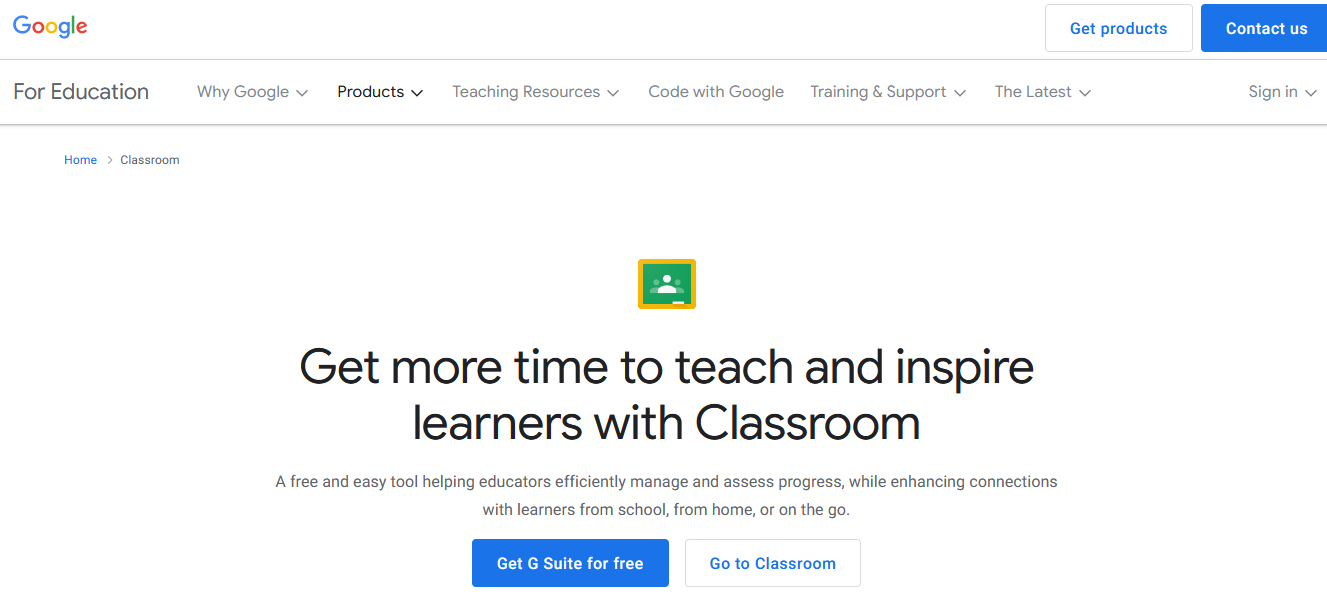
In this case, by entering the special code, you can participate in the online class. And also if you want to create a new class, you can do this easily from the beginning by clicking on the “Get G Suite for free”.